WeSellIPTV EPG Guide: Set Up the TV Guide in Any IPTV App
The TV guide (EPG) is what turns IPTV into a real TV experience: see what's on now and next, set reminders and replay with catch-up. Here's how to set up the WeSellIPTV EPG in every major app — and fix it when it's wrong.
What is an EPG?
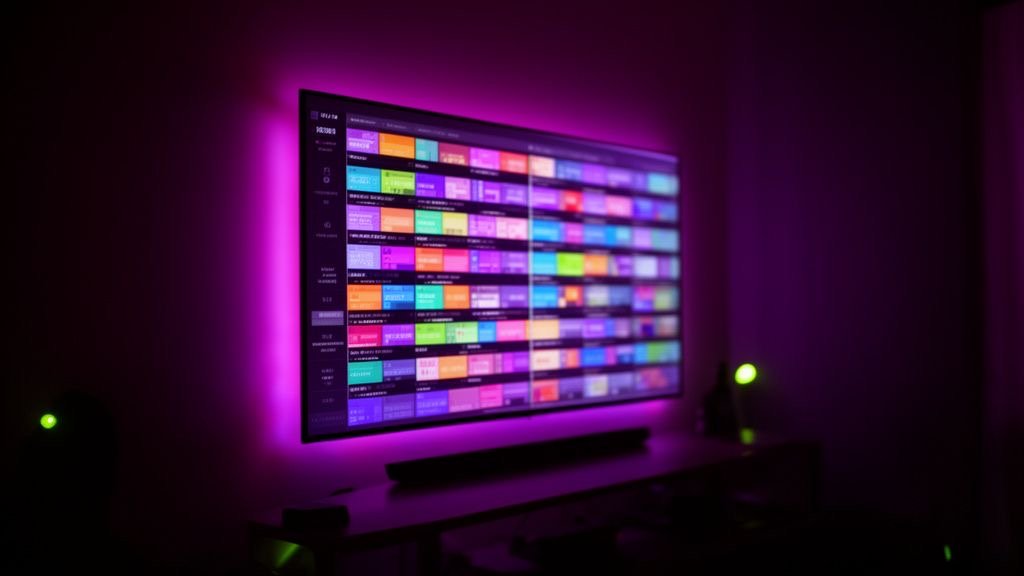
EPG stands for Electronic Programme Guide. It's the grid that shows what's on each channel, with titles, descriptions and times. With WeSellIPTV, the EPG is included for most live channels at no extra cost and loads automatically in apps that use Xtream codes.
Xtream codes vs M3U for the EPG
| Login type | EPG |
|---|---|
| Xtream codes | Loads automatically in most apps — recommended |
| M3U link | May need the EPG URL added manually |
| MAG portal | Built into the portal |
If you have a choice, use Xtream codes. Ask the WeSellIPTV team for your EPG URL if your app needs it.
TiviMate
- Add your WeSellIPTV playlist with Xtream Codes; TiviMate adds the EPG source automatically.
- If the guide is empty: Settings → EPG → Add EPG source and paste the EPG URL.
- Turn on Update on app start and set the update interval to 12 or 24 hours.
- Press Update EPG and wait a minute.
Full setup: WeSellIPTV on TiviMate.
IPTV Smarters Pro
- Log in with Xtream Codes API.
- On the home screen, tap Install EPG or Refresh EPG if prompted.
- Open Live TV → choose a channel → the guide appears below the player, or open TV Guide for the full grid.
Full setup: WeSellIPTV on IPTV Smarters.
IBO Player and Smart TV players
- Your playlist is added via the player's website (or by WeSellIPTV support using your MAC address).
- If the player has an EPG field, paste the EPG URL there.
- Restart the app on the TV to load the guide.
MAG box
The EPG is part of the WeSellIPTV portal. If it's empty, go to Settings → System settings → Servers → General, check that NTP is set, then restart the portal.
Fixing common EPG problems
Guide times are off by an hour or more
Set the EPG time offset in your app (TiviMate: Settings → EPG → EPG time shift). Also check the device's time zone and that automatic time is on.
Some channels show “No information”
Not every channel has guide data — especially small international channels and event channels. Major channels should all have it. Tell support if a major channel is missing data.
The guide doesn't update
Force an update (TiviMate: Settings → EPG → Update EPG; Smarters: Refresh EPG). Clear the app cache if it's still old.
The guide loads slowly
A guide for 25,000+ channels is a large file. Hide country groups you don't watch — the guide loads faster and navigation is smoother.
Get more from the guide
- Reminders: press OK on a future programme to get a notification before it starts — perfect for matches.
- Catch-up: go back in the guide and press play on past programmes on supported channels.
- Search: TiviMate and Smarters let you search the guide by programme name.
- Favourites: build a favourites group so the guide shows only your channels.
Sports fans: see watch live sports with WeSellIPTV for match-day guide tips.
Need help?
Send a screenshot of your guide and your app name to WeSellIPTV on WhatsApp — we sell IPTV with full setup support, so we'll send the right EPG URL and settings. Don't have WeSellIPTV yet? Test the guide yourself with a free trial IPTV.
WeSellIPTV FAQ
Does WeSellIPTV include a TV guide?
Yes. The EPG is included for most live channels and loads automatically with Xtream codes.
Why are my EPG times wrong?
Set the EPG time offset in your app and check your device's time zone.
Where do I find the WeSellIPTV EPG URL?
Ask the WeSellIPTV team on WhatsApp; we send it with your login if your app needs it.