WeSellIPTV on Firestick: Step-by-Step Setup Guide (2026)
The Amazon Firestick is the most popular device for WeSellIPTV — cheap, small and fast. This guide takes you from a brand-new stick to watching live TV in about six minutes.
What you need
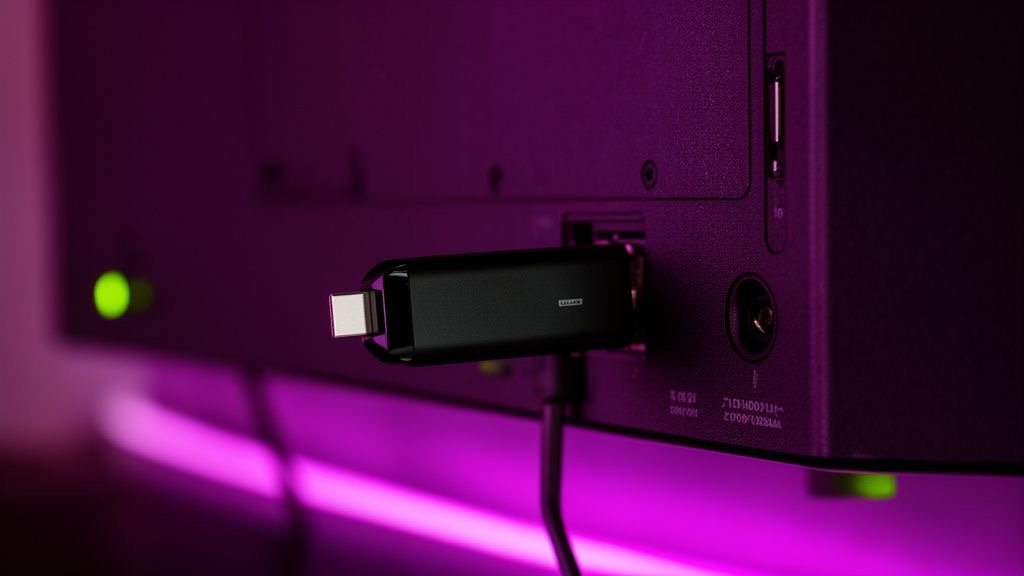
- Any Amazon Fire TV Stick (Lite, 4K, 4K Max) or Fire TV Cube, connected to Wi-Fi.
- Your WeSellIPTV login (Xtream codes) — or a free trial IPTV login.
- About six minutes.
Prefer the short version? The WeSellIPTV Firestick installation page has the steps in a quick checklist.
Step 1: Install Downloader
On the Fire TV home screen, go to Find → Search, type Downloader and install the free app with the orange icon. Downloader lets you install apps that aren't in the Amazon store, like TiviMate.
Step 2: Allow apps from unknown sources
Go to Settings → My Fire TV → Developer options → Install unknown apps and switch Downloader to ON.
Don't see Developer options? Go to Settings → My Fire TV → About and click your device name seven times. A message confirms you're now a developer, and the menu appears.
Step 3: Choose your IPTV player
| App | Best for | Price |
|---|---|---|
| IPTV Smarters Pro | Beginners, movies & series | Free |
| TiviMate | Live TV, TV guide, sports | Free / Premium optional |
| XCIPTV | Older, slower sticks | Free |
Not sure? Start with IPTV Smarters Pro. Read the full comparison in WeSellIPTV with IPTV Smarters and TiviMate.
Step 4: Download the player
Open Downloader. In the URL box, type the download code for your chosen player that the WeSellIPTV team sends you on WhatsApp, press Go, then Install. When it's done, choose Delete to remove the installation file and free up space.
Step 5: Add your WeSellIPTV login
Open the player:
- IPTV Smarters Pro: choose Login with Xtream Codes API. Enter any name (for example “WeSellIPTV”), then your username, password and server URL exactly as received.
- TiviMate: choose Add playlist → Xtream Codes, enter the server URL, username and password, then Next.
Tip: type carefully — the Firestick keyboard makes it easy to add a space. Or use the Fire TV app on your phone as a keyboard.
Step 6: Wait for the load and start watching
The player downloads 25,000+ channels, the TV guide and 150,000+ movies and series. This takes 30–60 seconds the first time. Then open Live TV, choose a category and enjoy.
Best Firestick settings for WeSellIPTV
- Power: plug the Firestick into its own power adapter, not the TV's USB port.
- Wi-Fi: connect to 5 GHz and use the HDMI extender so the TV doesn't block the signal. For 4K, an Ethernet adapter is even better.
- Buffer: in TiviMate, Settings → Playback → Buffer size: Large.
- Cache: clear the app cache monthly in Settings → Applications.
- Storage: uninstall apps you don't use; a full Firestick gets slow.
- Display: Settings → Display & Sounds → Display → Video resolution: Auto.
Which Firestick is best for IPTV?
The Fire TV Stick 4K Max is the smoothest, with Wi-Fi 6 and more memory. The regular 4K stick is great value. The Lite works fine for HD but struggles with big playlists and 4K. Any model from the 2nd generation onwards runs WeSellIPTV well.
Common Firestick problems
| Problem | Fix |
|---|---|
| Downloader blocked | Enable it under Install unknown apps (Step 2) |
| “Invalid credentials” | Re-type login without spaces; check http:// and port |
| Buffering | 5 GHz or Ethernet; HD version of the channel |
| App slow or crashing | Clear cache, free storage, restart the stick |
| Wrong guide times | Adjust EPG time offset in the app |
Still stuck? Message WeSellIPTV on WhatsApp with a photo of the screen — we sell IPTV with real setup help, so we'll fix it with you.
WeSellIPTV FAQ
Is WeSellIPTV available in the Amazon App Store?
WeSellIPTV is a subscription, not an app. You install a player like IPTV Smarters Pro or TiviMate and add your WeSellIPTV login.
Which app is best for WeSellIPTV on Firestick?
TiviMate for live TV and the TV guide, IPTV Smarters Pro for movies and series.
Can I watch 4K on a Firestick?
Yes, on the Fire TV Stick 4K or 4K Max with a 25 Mbps+ connection and a 4K TV.